
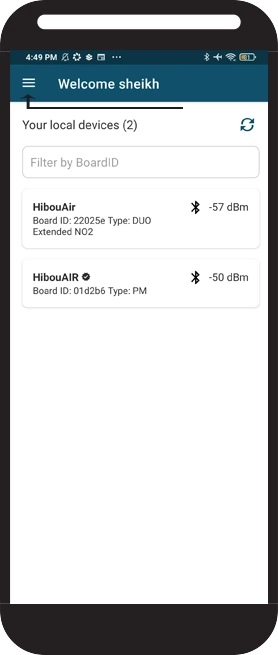
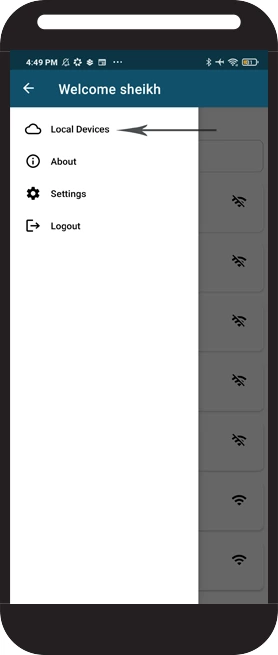
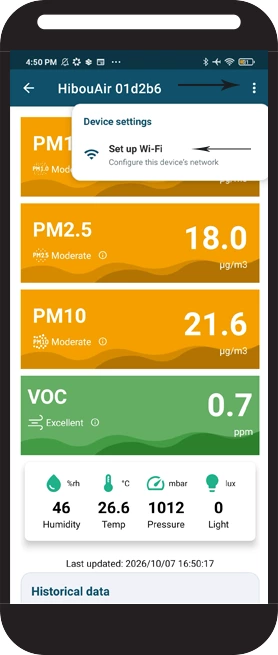
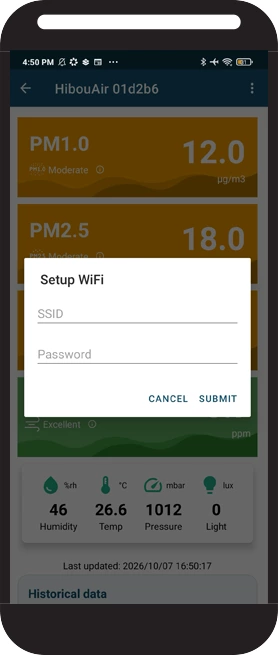

Wi-Fi deployment
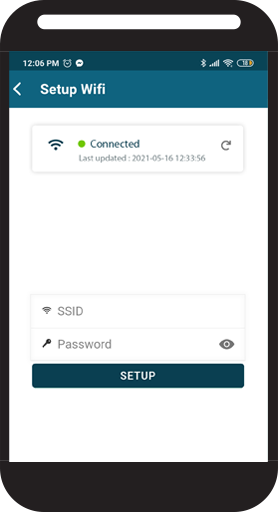
Deploy Wi-Fi credentials to a nearby HibouAir device registered to your account.
Open Wi-Fi DeploymentOpen the tool and connect BleuIO
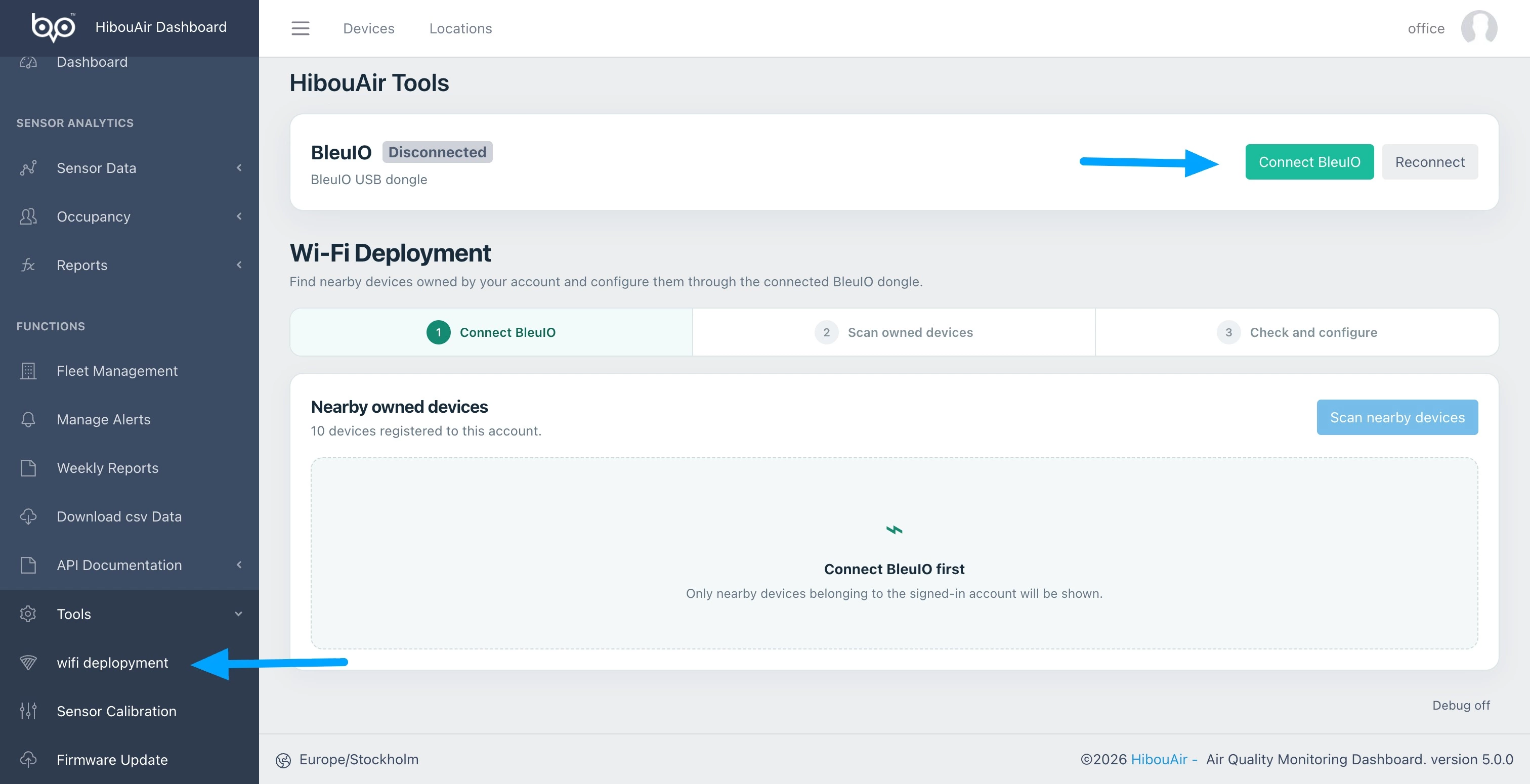
Sign in to the HibouAir Portal, expand Tools in the left menu and select Wi-Fi Deployment. Connect a BleuIO dongle to your computer, then select Connect BleuIO.
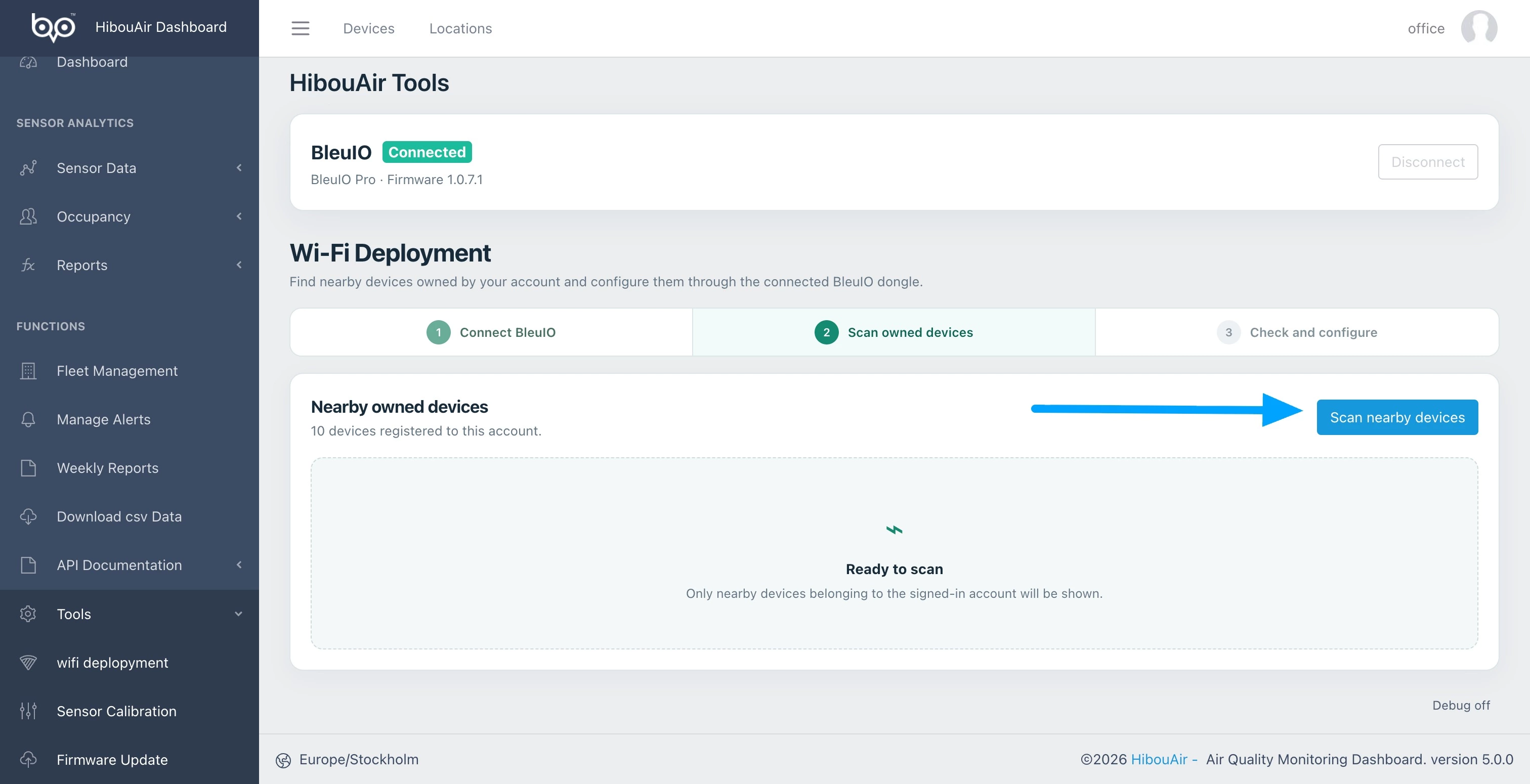
Scan for nearby devices
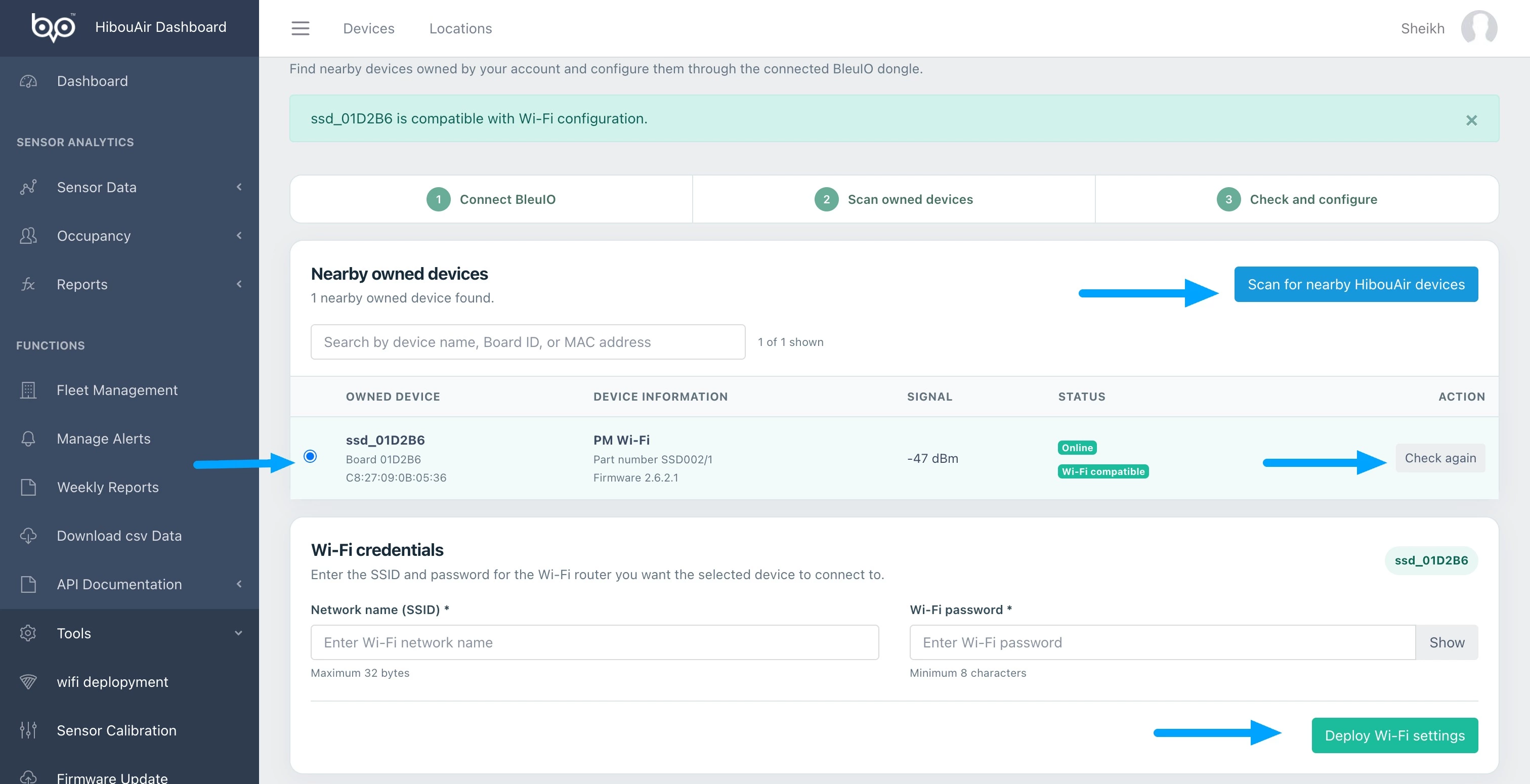
When the dongle is ready, select Scan nearby devices. The portal will list nearby HibouAir devices owned by your account.
Check the device and deploy Wi-Fi
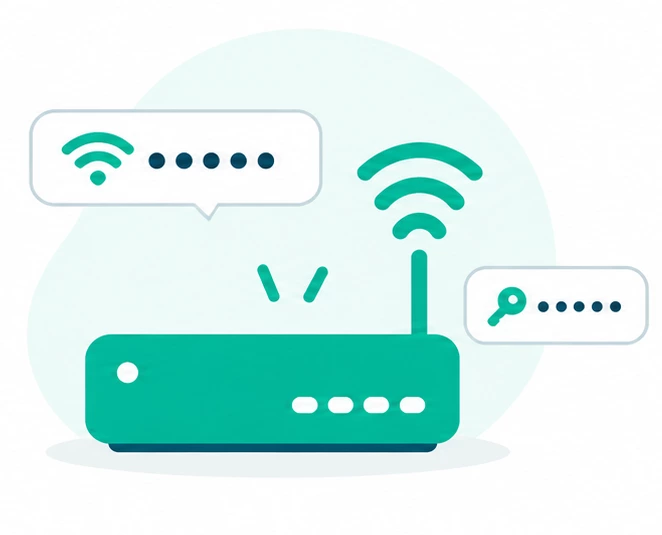
Select the device you want to configure and press Check to read its online or offline status. Enter the Wi-Fi network name and password, then select Deploy Wi-Fi settings.