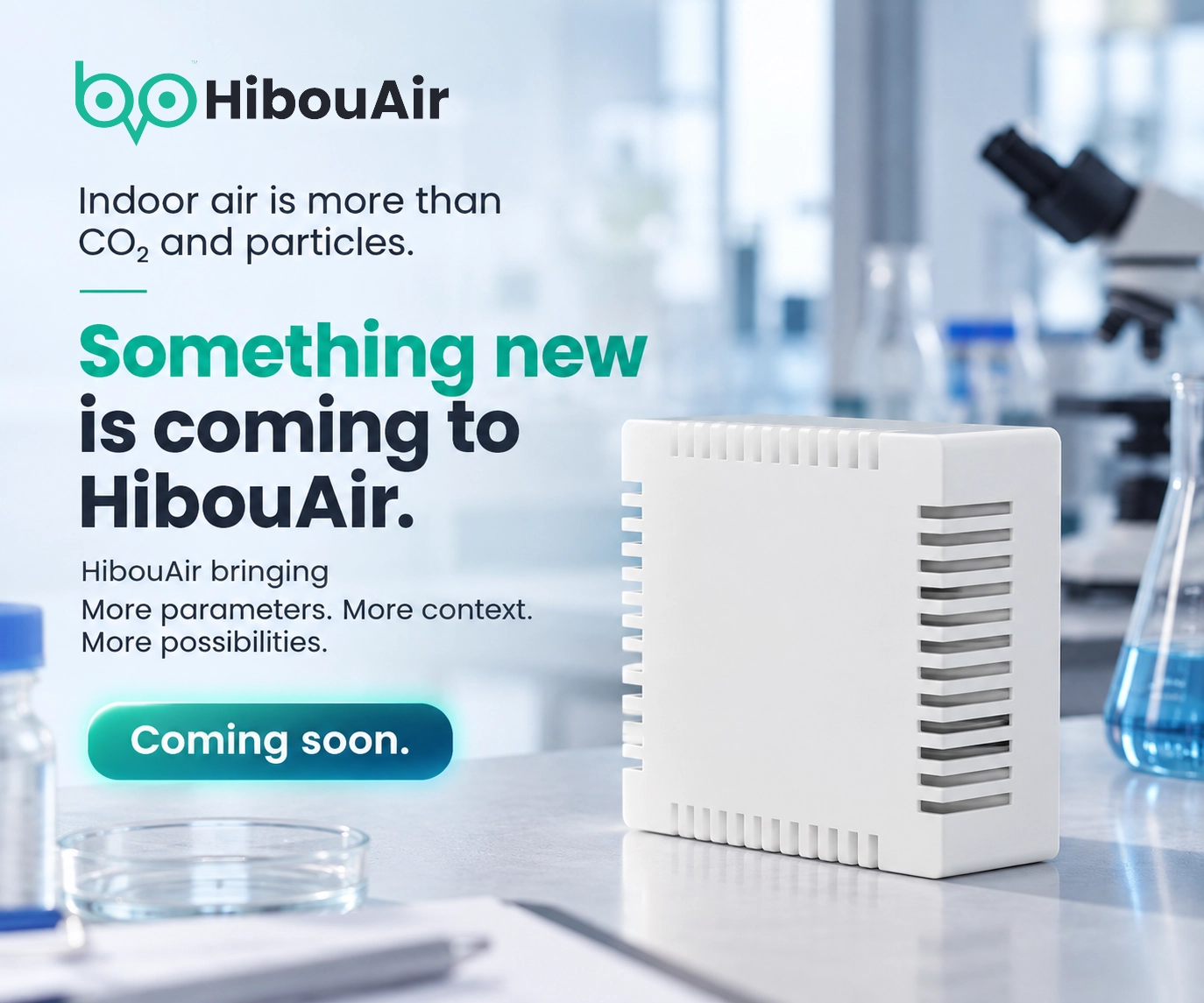

Automated Air Quality Control for Buildings
HibouAir monitors + ControlHub® SSD060 as a complete package
The Smart Control Solution combines HibouAir air quality monitors with the HibouAir ControlHub® SSD060 to turn real-time indoor measurements into automatic actions. Instead of only seeing air quality data, your building can respond to it with ventilation and HVAC control—based on configurable thresholds and control rules.
Explore the Package Buy as a PackageTip: If you already have HibouAir monitors, you can add ControlHub® to enable automated control.
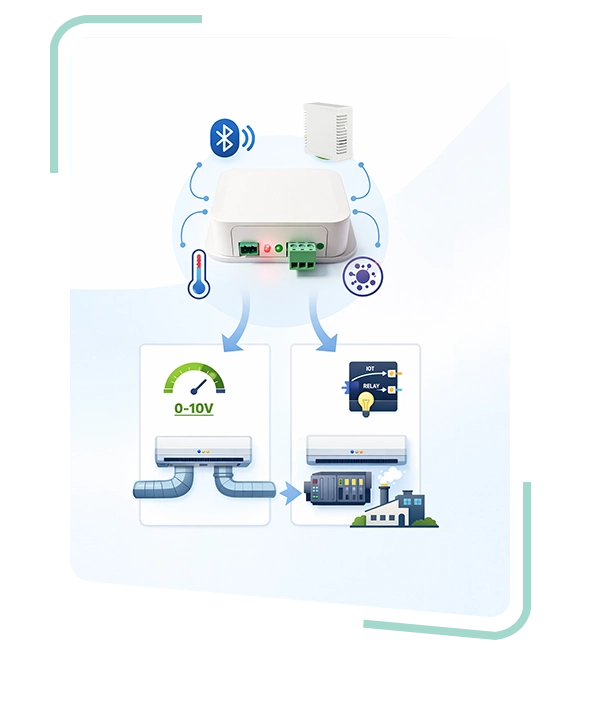
From Monitoring to Real Control
A complete solution where measured indoor conditions can automatically trigger actions.
The solution uses HibouAir sensors as the reliable data source for indoor conditions. ControlHub® reads the sensor values and continuously evaluates them against configured rules.
Define minimum and maximum thresholds and response behavior. ControlHub® can switch equipment, regulate analog outputs, or integrate into building automation environments.
Use 0-10VDC or an isolated relay output to control ventilation components such as fans, dampers, actuators, and HVAC controllers.
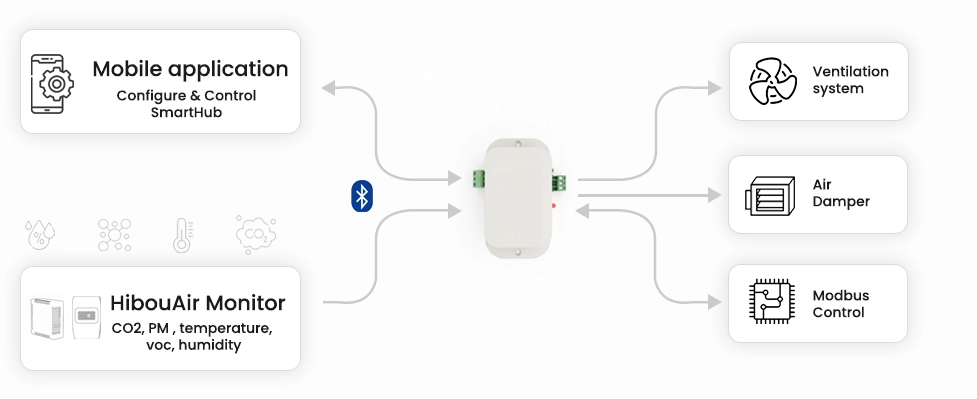
What You Get in the Smart Control Package
This solution is sold as a complete set, so you can deploy faster and configure everything with a consistent workflow.
The control hub that converts sensor readings into outputs. Configure locally using Bluetooth and integrate outputs to ventilation and HVAC equipment.
One or multiple HibouAir devices provide indoor measurements. In the app, you select which sensor ControlHub® should use as the live data source for control.
Setup and configure ControlHub® via Bluetooth: connect, select target HibouAir sensor, then set CO2 and temperature thresholds to drive outputs.
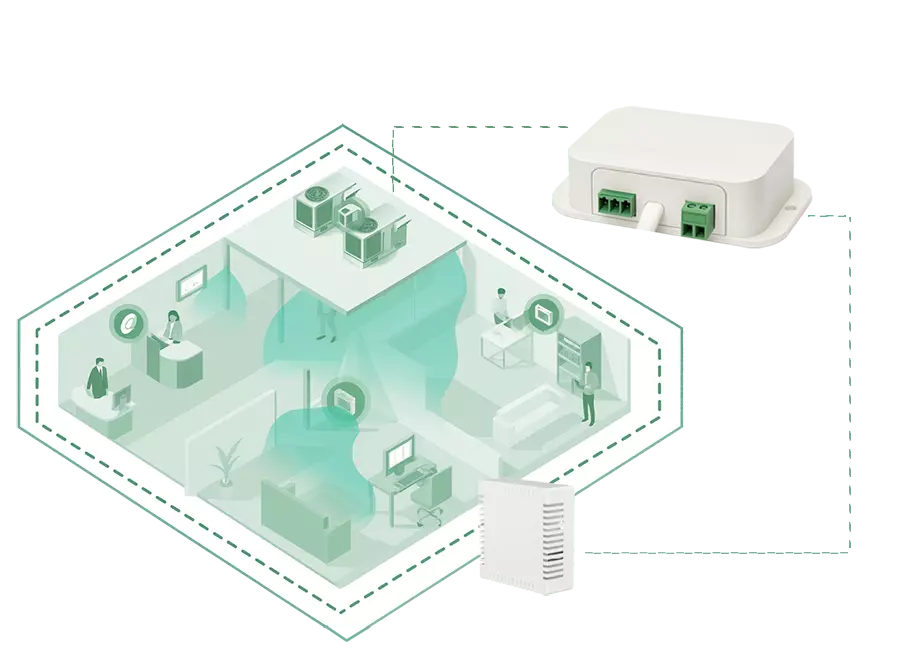
A solution you can deploy easily
The goal is to remove guesswork from building air quality response. A monitor-only setup can show issues, but it still depends on manual decisions. The Smart Control Solution adds the missing piece: automatic response when measured values reach your defined thresholds.
Whether you control a single room or multiple zones, the solution supports structured setup: select the sensor, define the control behavior, validate output response, and keep the configuration consistent across similar installations.
How the Smart Control Solution Works
A simple setup flow that mirrors how installations happen in real buildings.
Install ControlHub®
Mount ControlHub® near the control equipment and connect the required output (0-10V DC or relay) to ventilation or HVAC inputs.
Select Data Source
Use the mobile app to connect to ControlHub® and choose which HibouAir monitor provides the air quality data.
Configure Control Logic
Define CO2 and temperature thresholds that determine when outputs activate, scale, or reset.
Run Automated Control
ControlHub® continuously evaluates live sensor data and triggers ventilation or HVAC actions based on real indoor conditions.
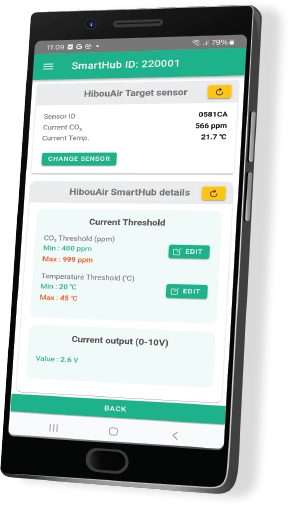
The app configures ControlHub® locally via Bluetooth. It does not measure air quality by itself.


Local control or building automation integration
The Smart Control Solution supports both local setup and industrial integrations. Teams can start with Bluetooth configuration for fast rollout, then connect ControlHub® into control environments where Modbus is already used.
This flexibility allows you to align the solution with your building infrastructure—whether you need a simple control response for a standalone space or a standardized approach across multiple sites.
Use the ControlHub® mobile app for local setup: connect, select HibouAir sensor, and configure control thresholds. Ideal for quick installations and on-site adjustments.
Integrate ControlHub® with building automation systems using Modbus RTU / ASCII over RS485/RS422. Suitable for standardized deployments and control environments that require industrial protocols.
Where This Solution Fits Best
Designed for indoor spaces where measured conditions should automatically drive ventilation and HVAC behavior.
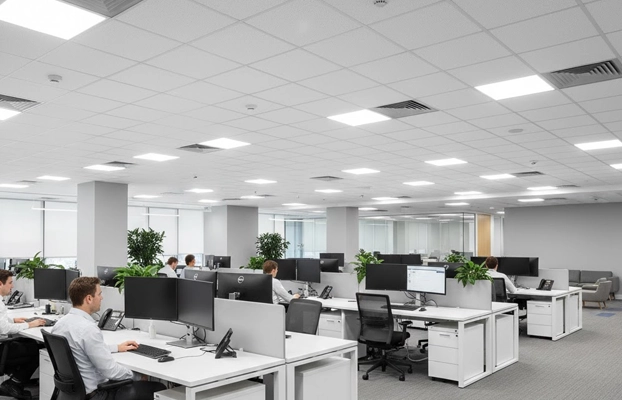
Offices & Meeting Rooms
Maintain consistent air quality by automatically increasing ventilation when indoor CO2 rises during occupancy peaks.
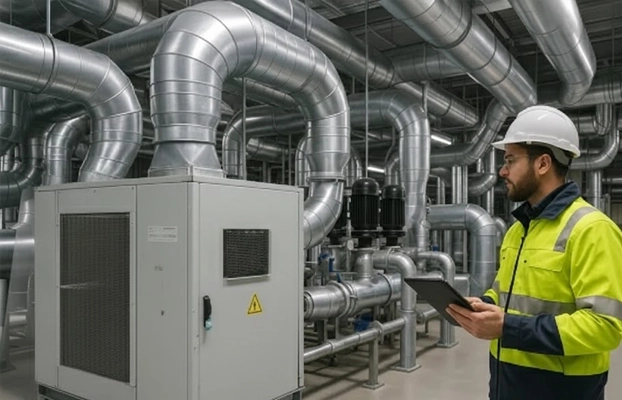
HVAC & Building Automation
Integrate with BMS, PLCs, and controllers using Modbus or 0-10V analog control.

Healthcare & Public Buildings
Improve comfort and operational consistency by reacting to indoor conditions instead of running ventilation at a constant level.
Built for real installations
ControlHub® SSD060 is designed as an industrial-grade control unit, supporting both local setup and field integrations. The goal is a stable deployment that installers and facility teams can replicate across similar spaces.
If you need deeper technical details, you can link to your existing ControlHub® product page or datasheet from here.