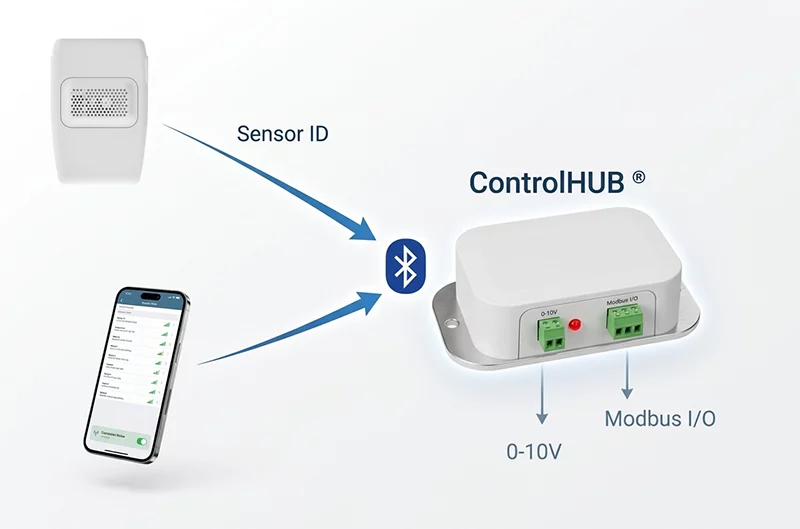
Follow this guide to understand the HibouAir ControlHub® setup, available ports, and configuration flow. The ControlHub® extends HibouAir sensor functionality with Modbus connectivity, 0-10V analog output, and relay output control.
The HibouAir ControlHub® has three main features that extend the functionality of HibouAir sensors:
Supports Modbus RTU / ASCII protocol transmitted over the RS485 port.
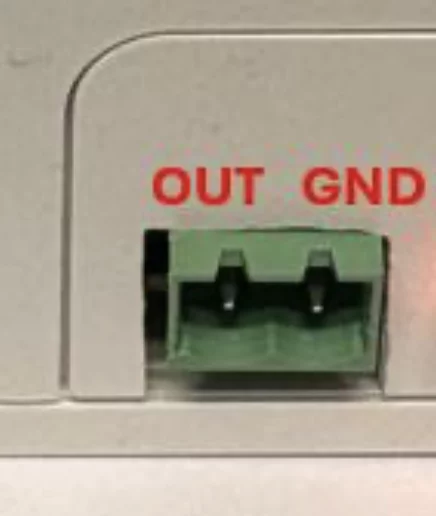
Provides an analog 0-10V output control port configurable from the mobile app.
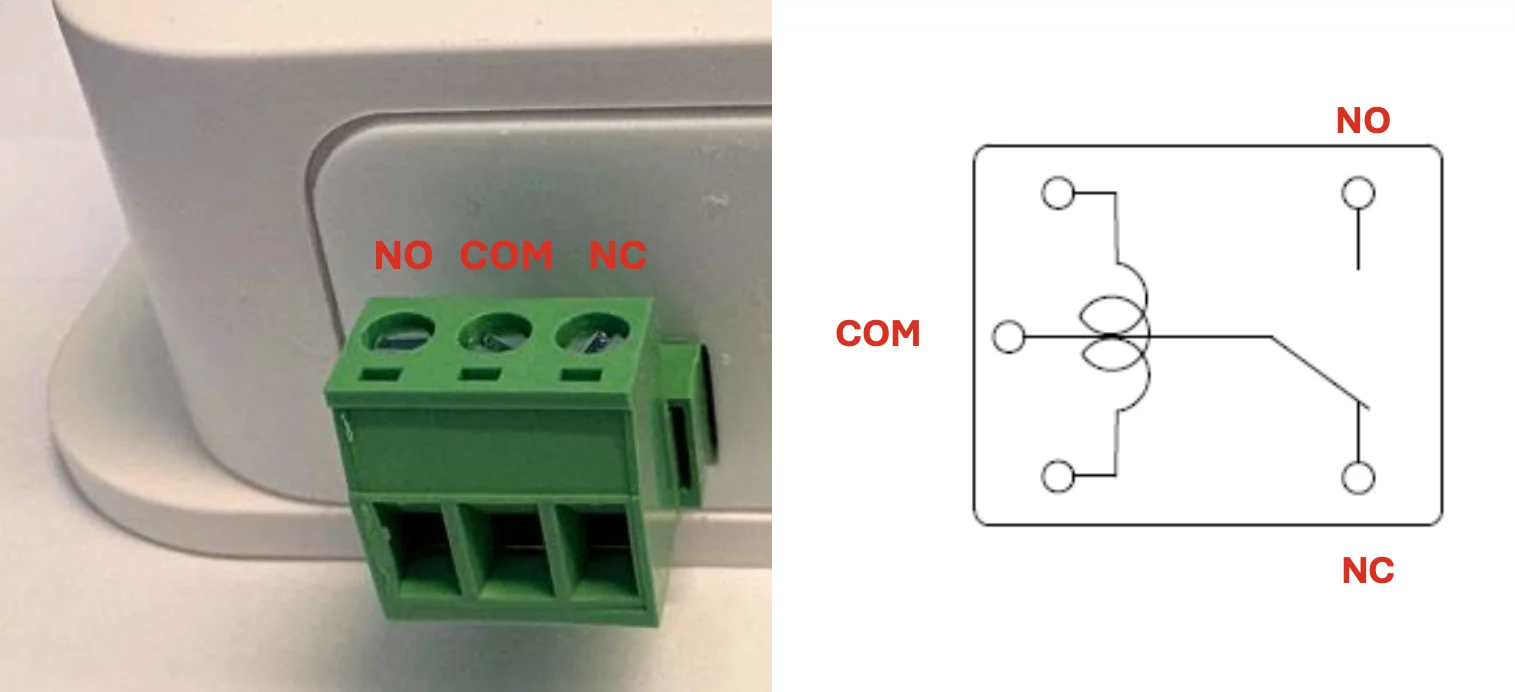
Provides isolated relay output with NC / COM / NO terminals.
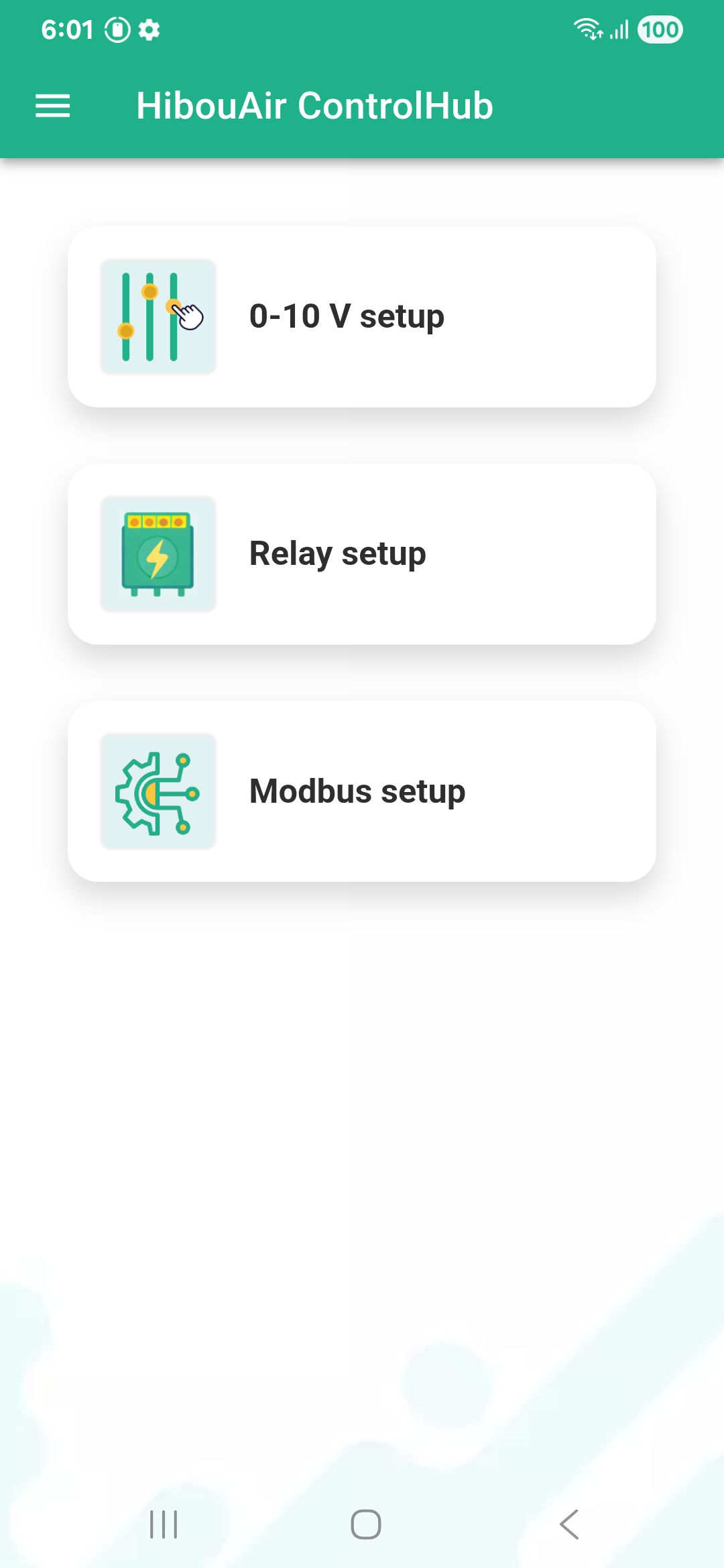
The mobile app is used to configure the ControlHub®:
Download the ControlHub® app from your App Store and start configuring the ControlHub® device.
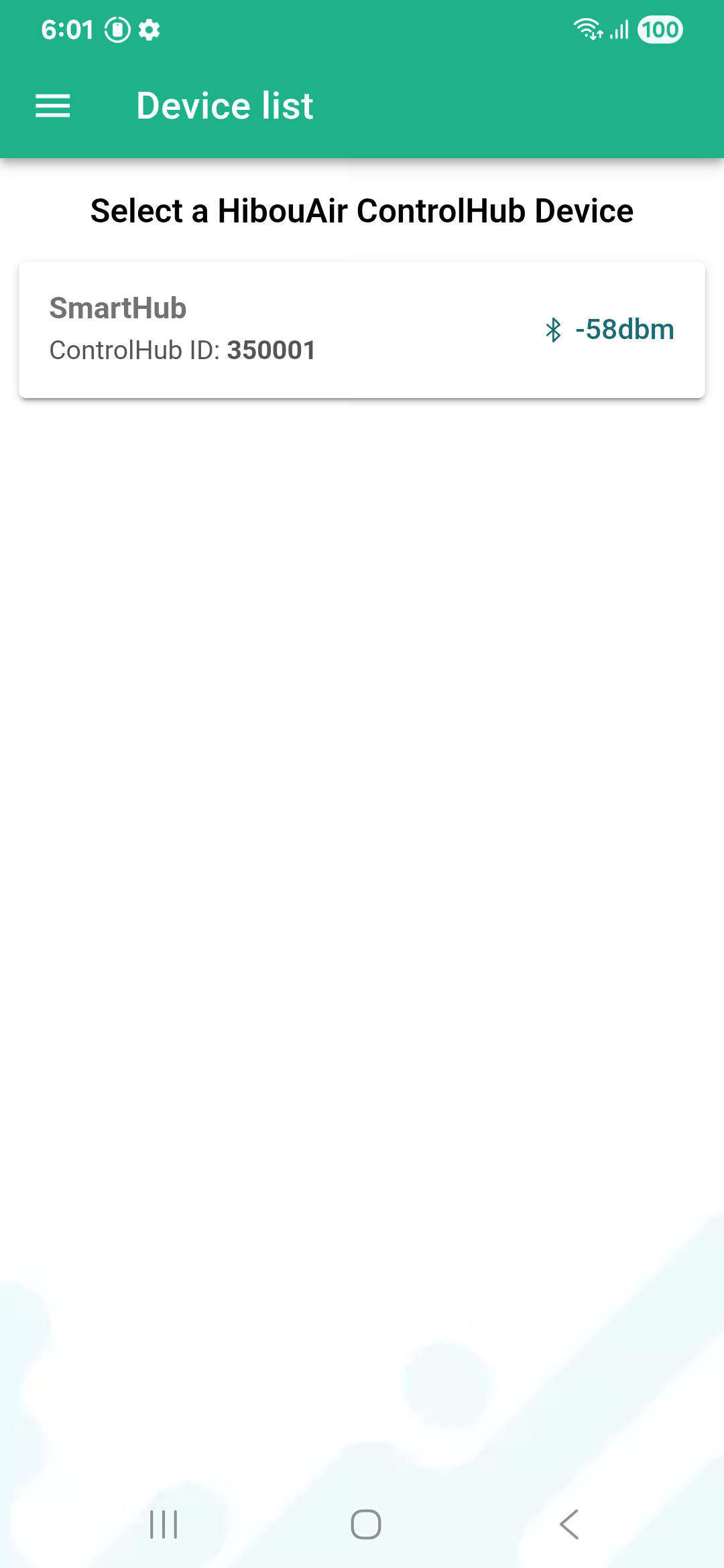
Connect to ControlHub® locally using Bluetooth.
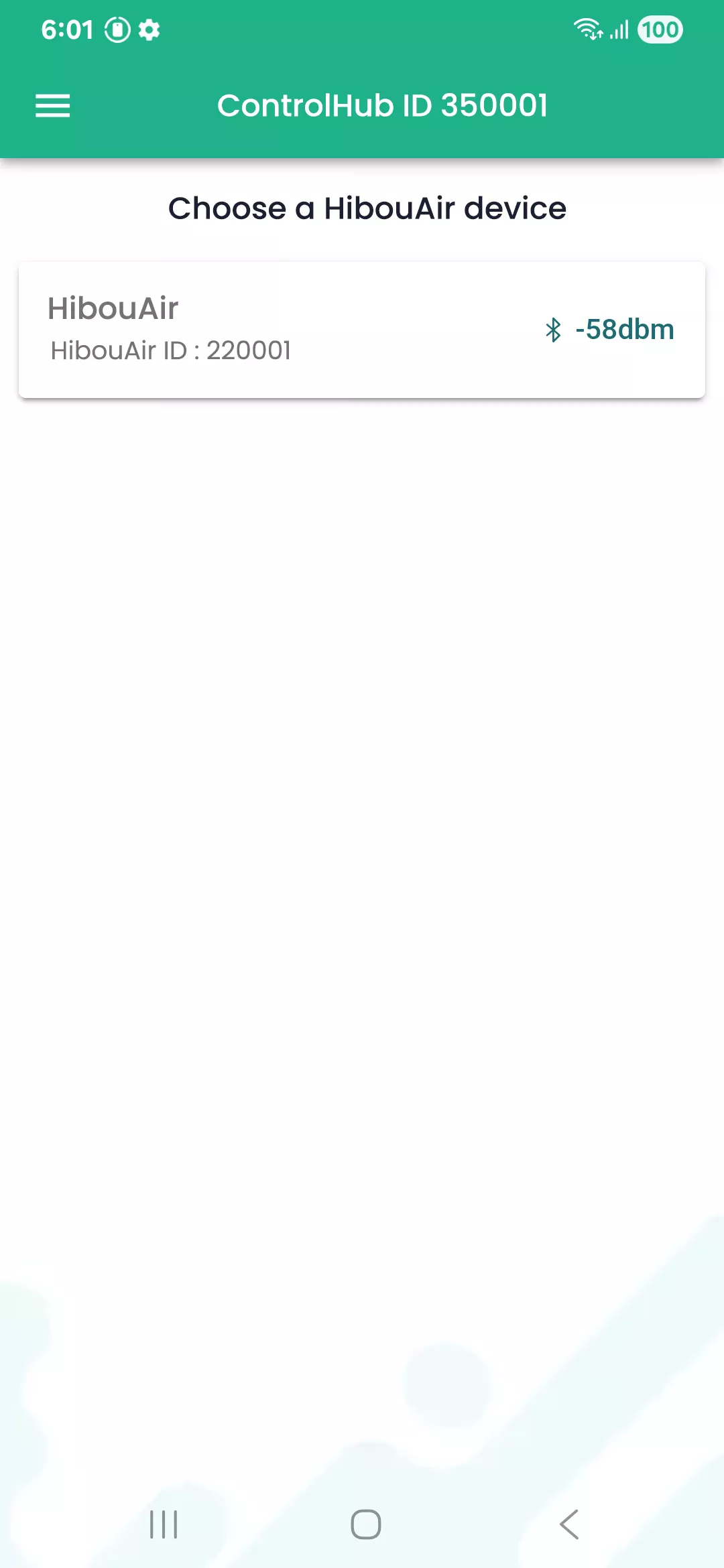
Select which HibouAir device provides air quality data.
Configure CO₂ and temperature thresholds to drive outputs.


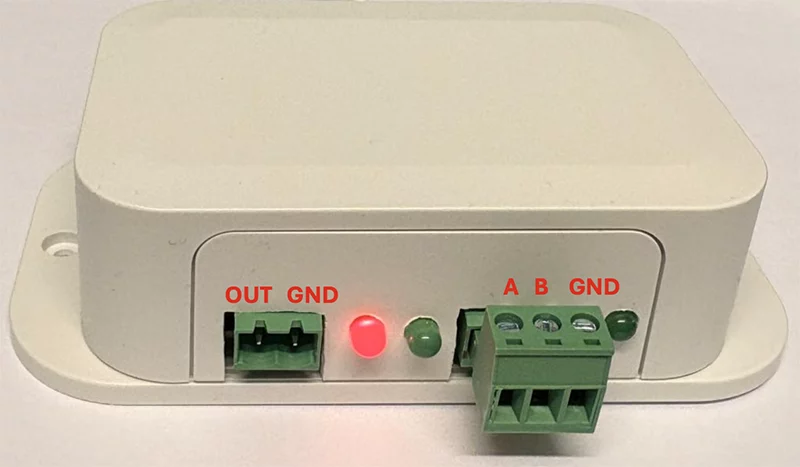
Ports: 0-10V output analog port, Modbus serial output port (from left to right)
LEDs: Red = power ON, Green 1 = Bluetooth scan in process, Green 2 = Modbus TX
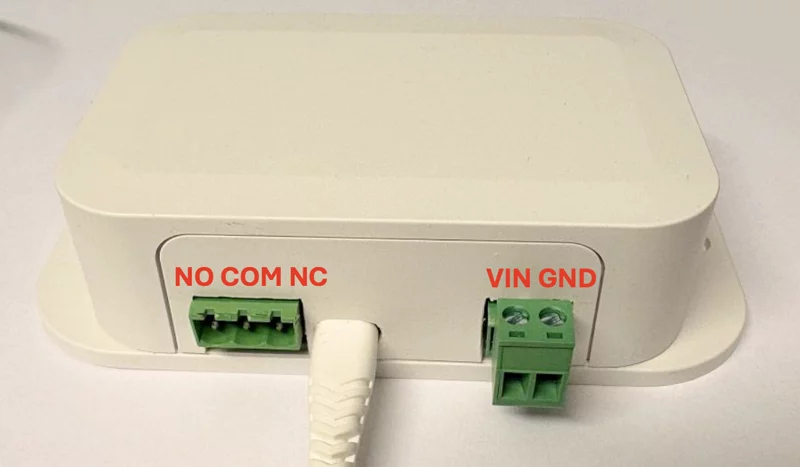
Ports on back panel: Relay SPDT port, USB micro power, 24VAC power (from left to right)
The unit can be powered from a USB micro connector port using +5VDC.
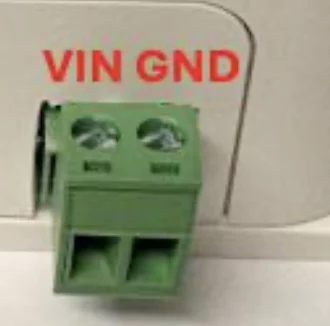
The unit can also be powered from a two-pin 5 mm terminal block port where VIN = 24VAC or 24VDC.
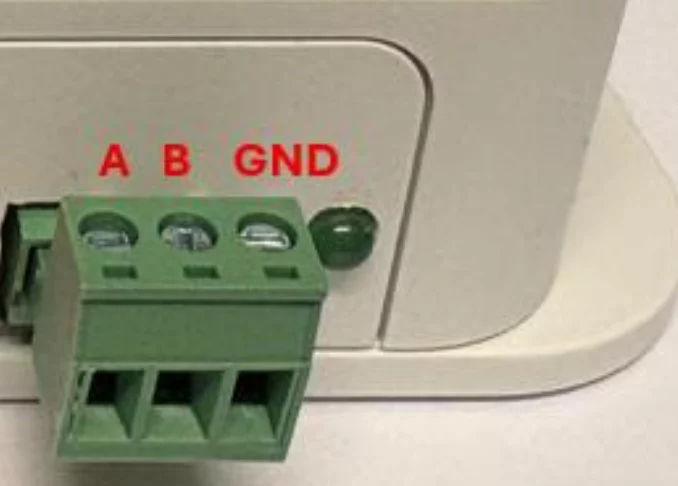
Supports Modbus RTU and Modbus ASCII.
The analog output port can be set to a voltage value between 0 and 10V.
The isolated relay port has three terminals: NC = Close, COM = Common, NO = Open.
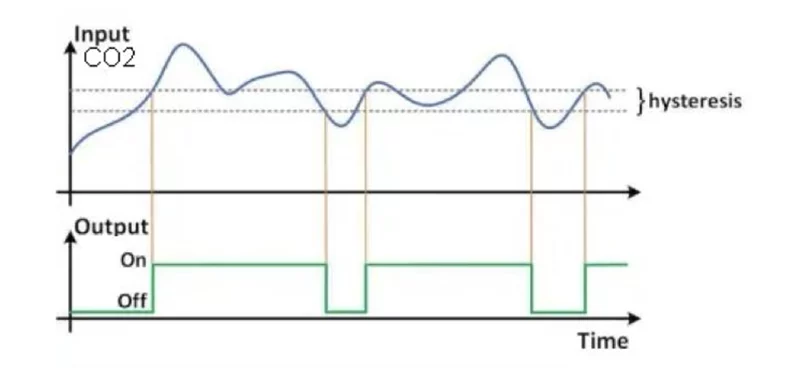
The terminal toggles when the configured conditions are met.
The output voltage is regulated according to the following parameters:
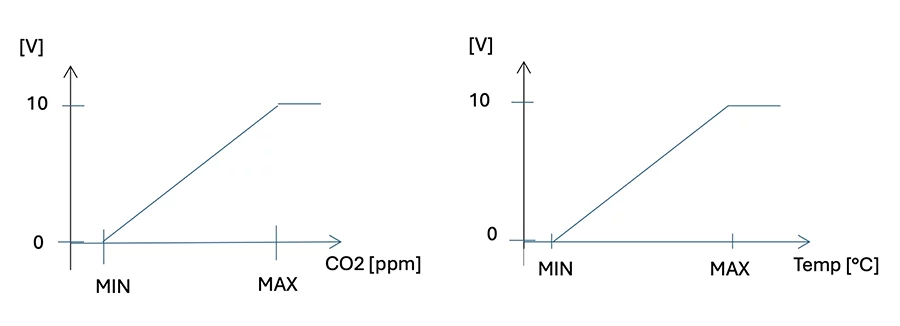
The relay position is controlled by the following parameters:
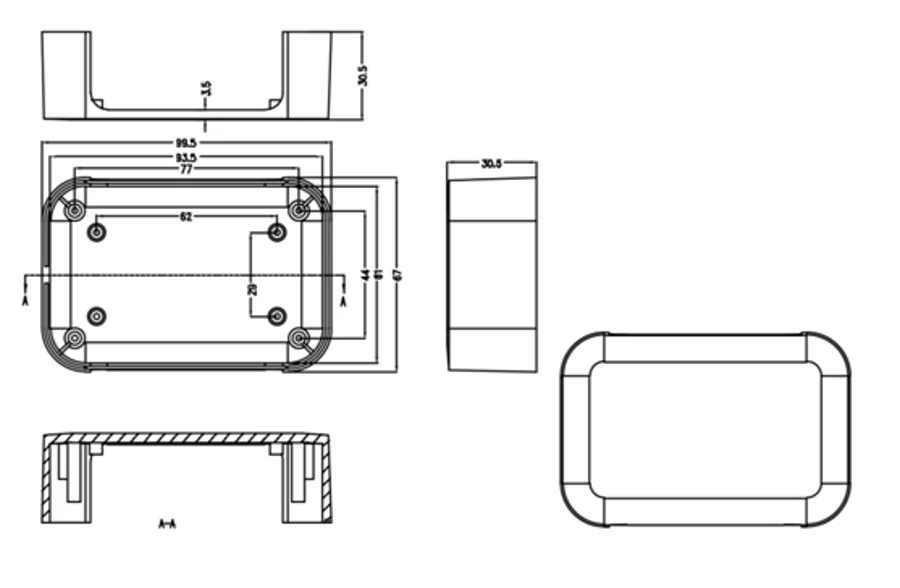
SSD060 mechanic box